
Intake forms that reach you
Ask for what you need up front: business type, year end, services wanted, documents. Each entry is saved and proven delivered.
An inquiry from your website becomes a client file. Send the proposal, get the engagement letter signed and bill for the work, without retyping anything.
Sound familiar?
The contact form, a voicemail and a referral email, with no single list of who asked and who answered.
A PDF goes out by email and comes back a week later, if it comes back, printed and scanned.
Someone remembers to raise the same invoice every month, until the month they do not.
What you get
Ask for what you need up front: business type, year end, services wanted, documents. Each entry is saved and proven delivered.
Inquiry, proposal sent, signed, onboarded. Everyone in the office sees where each prospect stands.
Offer one price or a choice of packages. The client approves with one tap.
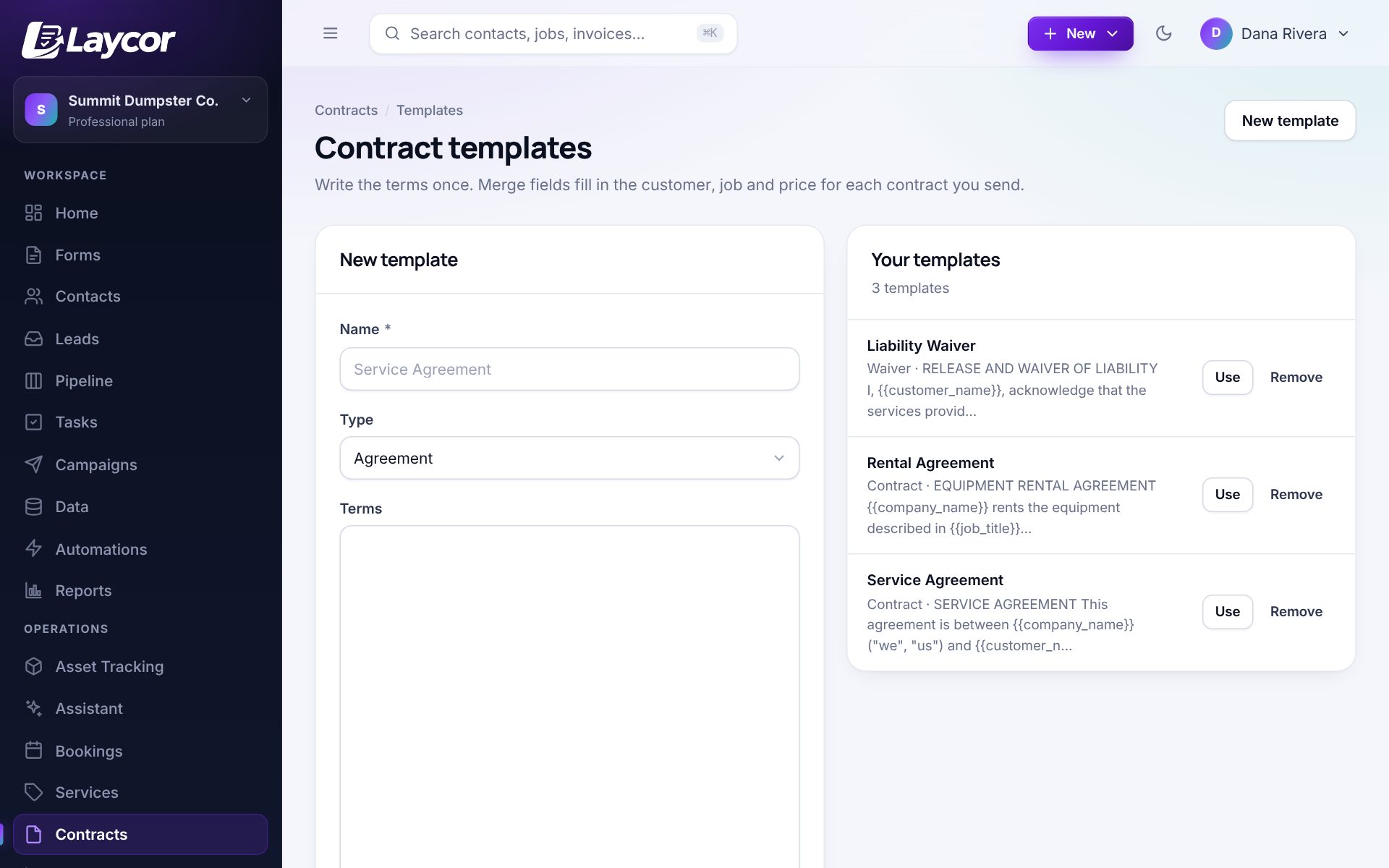
Send an agreement from a template and get it back signed, with the PDF filed on the client’s record.
Put bookkeeping clients on a plan that charges their card each month through your own Stripe account.
Assign follow-ups to a person with a due date, so a quiet prospect is not forgotten.
Straight answers
Better to know before you sign up than after.
No. It is how clients find you, sign with you and pay you. Your ledgers stay in your accounting software.
Yes. Forms accept file uploads, and files are kept on the client’s record.
There is a customer portal for invoices, estimates and bookings. It is not built as a document vault for tax records, so keep those in the system your firm already uses for that.
Invoices, payments and customers can be exported in the layouts QuickBooks Online imports, and there is a sync add-on.
Basic is $20 a month for forms and the CRM. Starter is $49 a month and adds booking, scheduling, estimates and invoices. Every plan includes your whole team, and there is a 14-day trial with no card.
Yes. Contacts, form entries, invoices and the rest download as spreadsheets from Settings, on every plan.
Also worth a look
14-day trial with every module unlocked and unlimited users. No card required, and your data is yours to export any time.