
A booking link for first calls
Prospects pick a time from your real availability. It lands on your calendar, which can sync with Google Calendar.
A prospect books a discovery call from your website. The proposal, the agreement and the invoice all come from the same record.
Sound familiar?
Finding a time for a first call costs more attention than the call.
Each one starts from the last one, with the last client’s name still in it.
Follow-ups and invoices happen when the client work allows, which is late.
What you get
Prospects pick a time from your real availability. It lands on your calendar, which can sync with Google Calendar.
Ask what they need and what they have tried. The answers are on the contact when you pick up the phone.
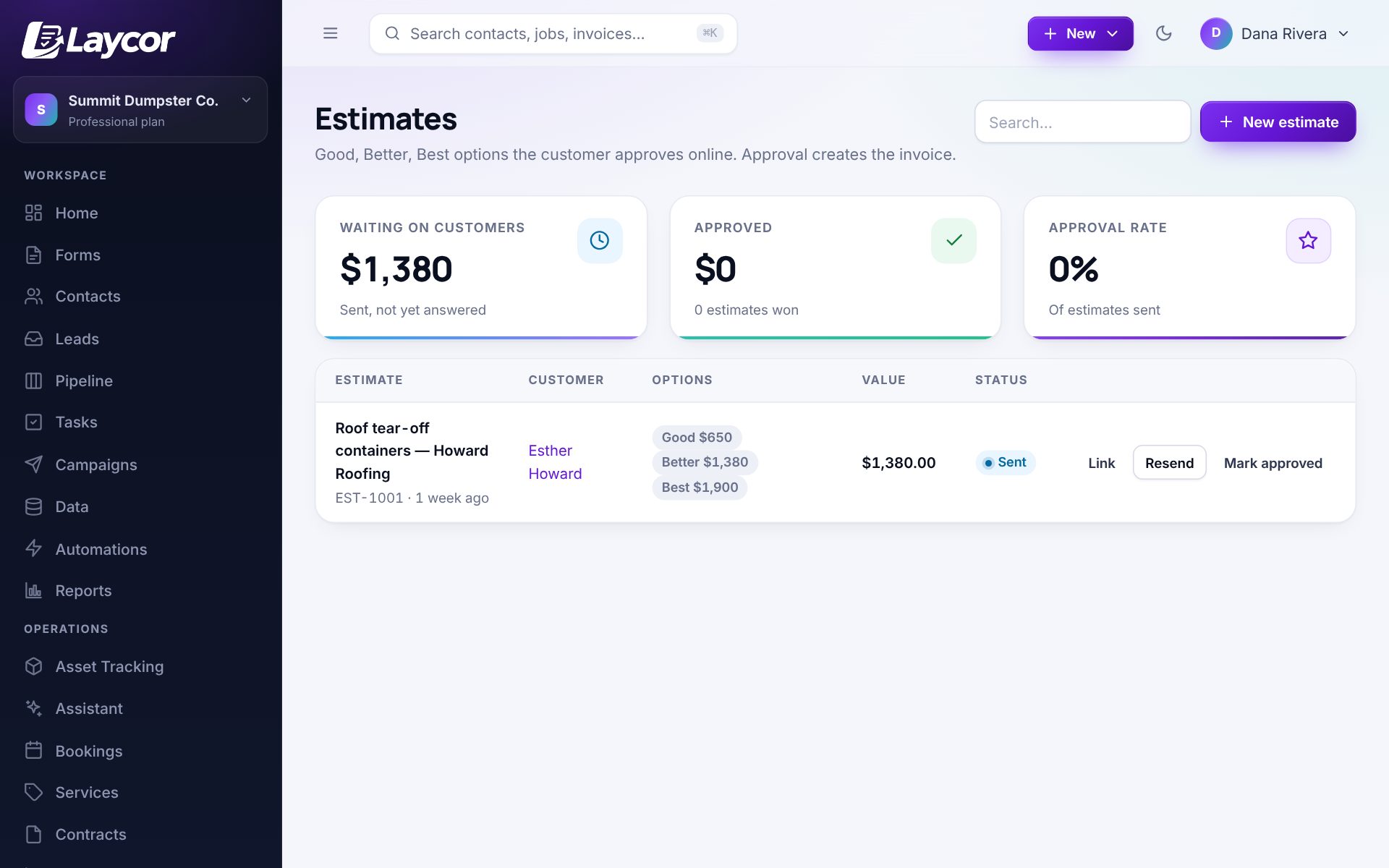
Offer one scope or three. The client approves on a phone and the price carries into the invoice.
Send from a template with the client’s details filled in. The signed PDF is filed on their record.
Put ongoing clients on a plan that charges their card each month.
New, call booked, proposal out, signed. Tasks remind you who is waiting on you.
Straight answers
Better to know before you sign up than after.
Yes. A booking can require a deposit or the full price, paid by card through your own Stripe account.
No. Put your meeting link in the booking confirmation. Laycor handles the booking, the reminders and what comes after.
Yes. Notes, files, messages, proposals and invoices are all on the client’s record.
No. It works for one person, and every plan includes unlimited users when you add help.
Basic is $20 a month for forms and the CRM. Starter is $49 a month and adds booking, scheduling, estimates and invoices. Every plan includes your whole team, and there is a 14-day trial with no card.
Yes. Contacts, form entries, invoices and the rest download as spreadsheets from Settings, on every plan.
Also worth a look
14-day trial with every module unlocked and unlimited users. No card required, and your data is yours to export any time.